● local-first music player · mac + iphone + ipad + carplay · free
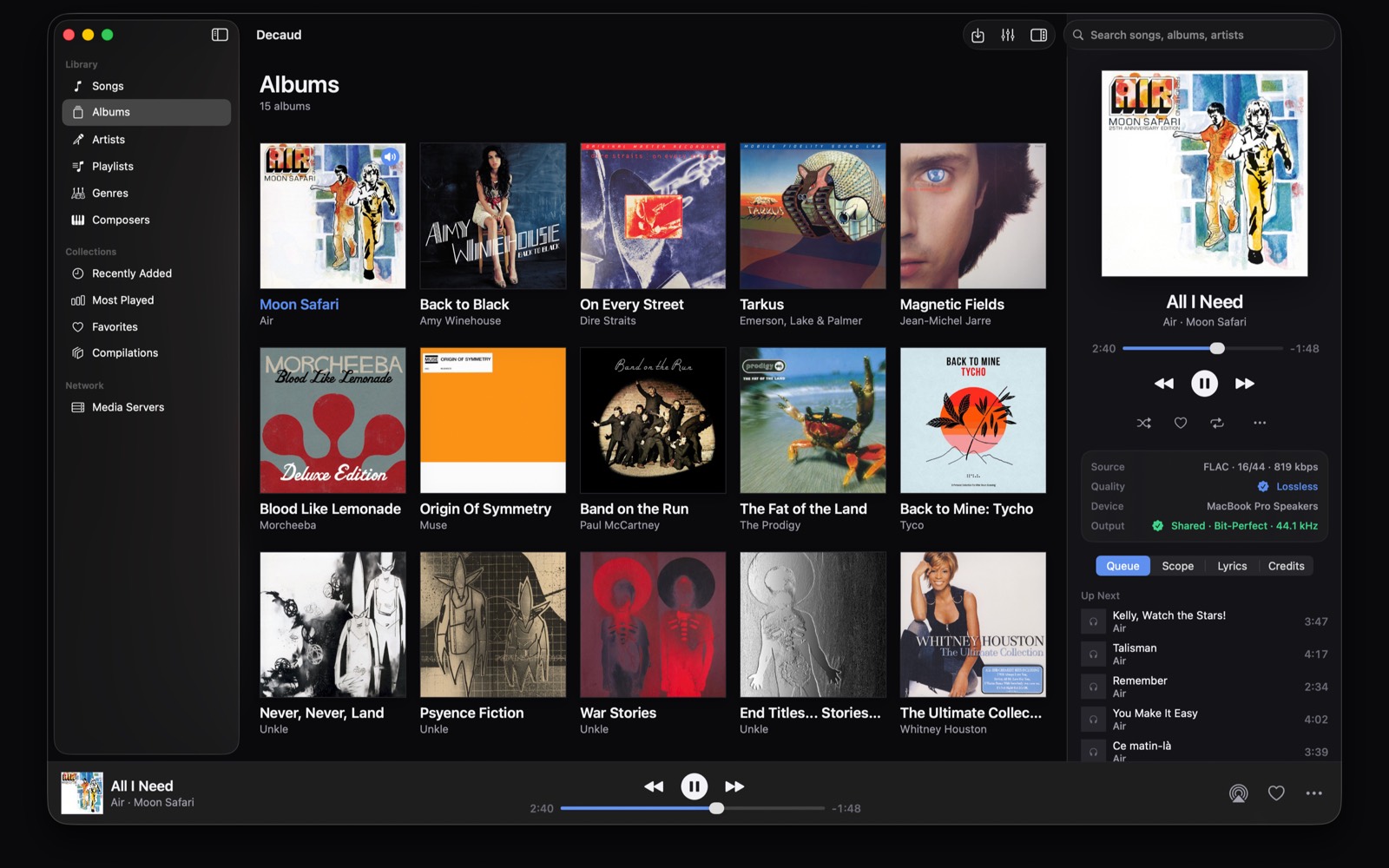
Decaud shows you the real quality of every file and every stage between the file and your hardware: hi-res lossless, DSD, and a signal path you can actually see. Your files, your DAC, nothing hidden.
Mac, iPhone, and iPad
free · macOS 15.6+ · iOS 17.6+ · no account · no subscription · no tracking
the DMG here is the Direct edition: it can take exclusive device access for native DSD over DoP to a compatible DAC. Otherwise it uses shared output. The Mac App Store edition cannot take exclusive access, so it converts DSD to PCM. which edition?
already using Direct 1.4 or earlier? Install 1.5 once from this page: it moves to a new update channel, and the copy you have cannot reach it on its own. From then on updates install as before from Decaud › Check for Updates.
verify the download in Terminal:
$ shasum -a 256 ~/Downloads/Decaud.dmg
ef23c0f981b23262d5b6eb10fbf5e646512d02e8becebffbaf2c9e5a0694abbf  Decaud.dmg
earlier version? all releases, checksums, changelog
| Output | bit-perfect, exclusive device access (Direct Mac) |
|---|---|
| DSD | native to DSD256 over DoP on Direct Mac, DSD512 plays too (why not native) |
| Analysis | TrueHz spectral analysis |
| Rooms | AirPlay multi-room, Sonos, DLNA, Chromecast |
| On the go | USB-C and SD drives on iPhone and iPad, CarPlay in the car |
| Library | local first, yours, iCloud optional |
| Price | $0, tip jar if you insist |
● included with 1.5 · nothing to buy
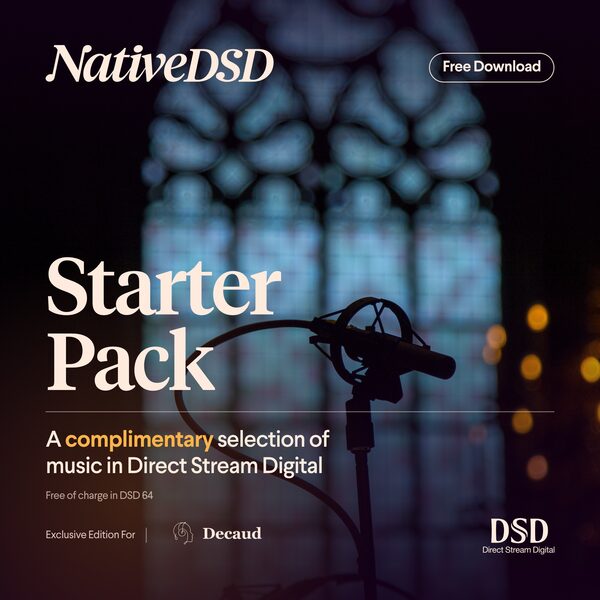
The NativeDSD Starter Pack is a complimentary sampler in a Decaud edition, offered as a shelf on Home. The tracks download into your own storage and play offline like any other file you own. On the Direct Mac edition they play as native DSD over DoP to a compatible DAC. On iPhone and iPad, DSD converts to PCM by default. On iPhone (1.5 and later), native output needs the Native DSD (DoP) switch under Settings ▸ Audio Output and a USB DAC you have confirmed supports it; keep the iPhone volume at 100% and control listening volume on the DAC.
Courtesy of NativeDSD · what DSD actually is
01 · iphone, ipad + carplay
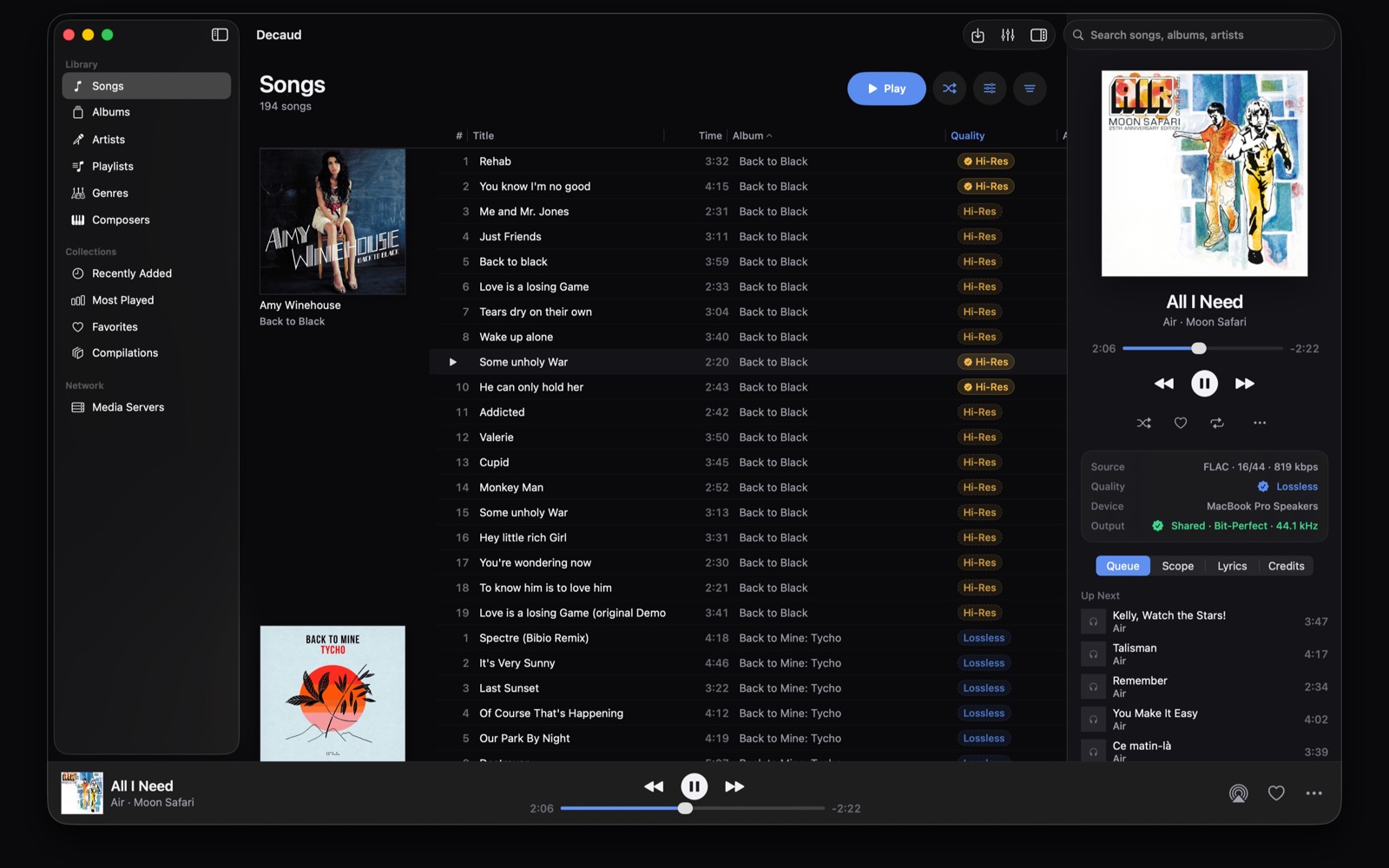
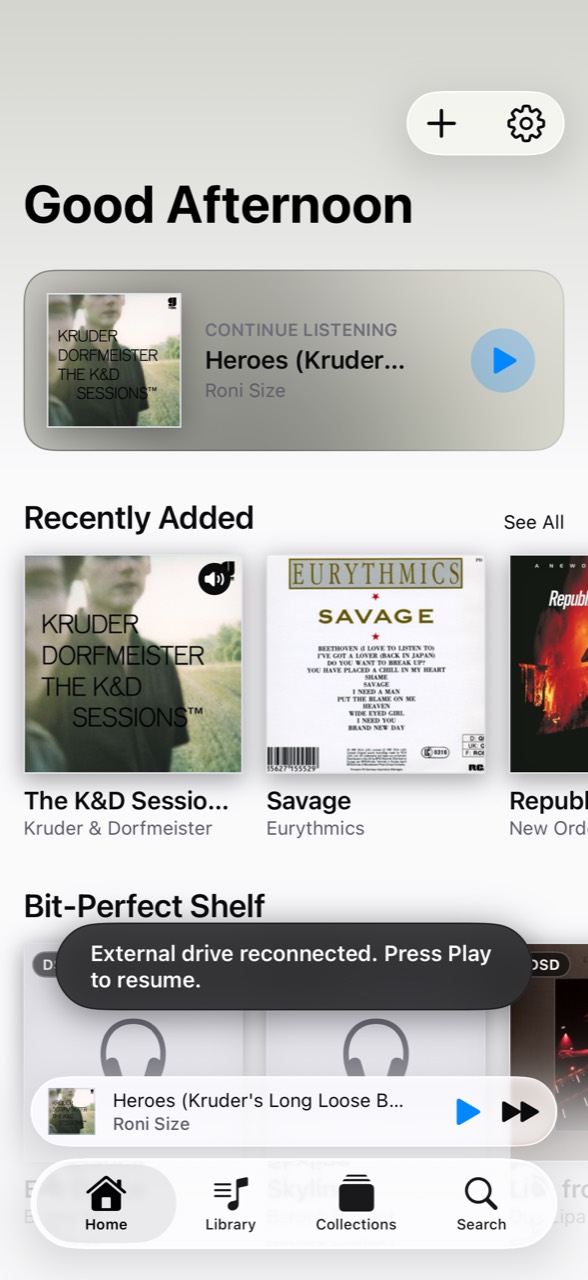
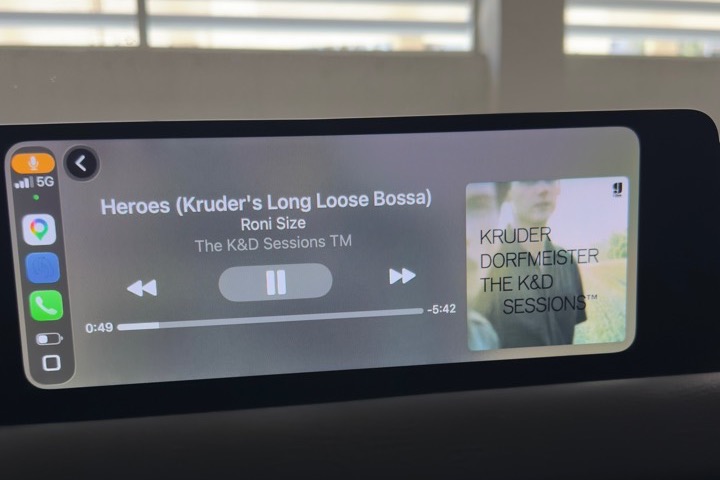
Plug the drive that already holds your music into an iPhone or iPad. Decaud can play it there, copy selected music to the device, or keep it in your own iCloud. In the car, CarPlay presents the part of the library the phone can actually play.

Apple TV · on the App Store
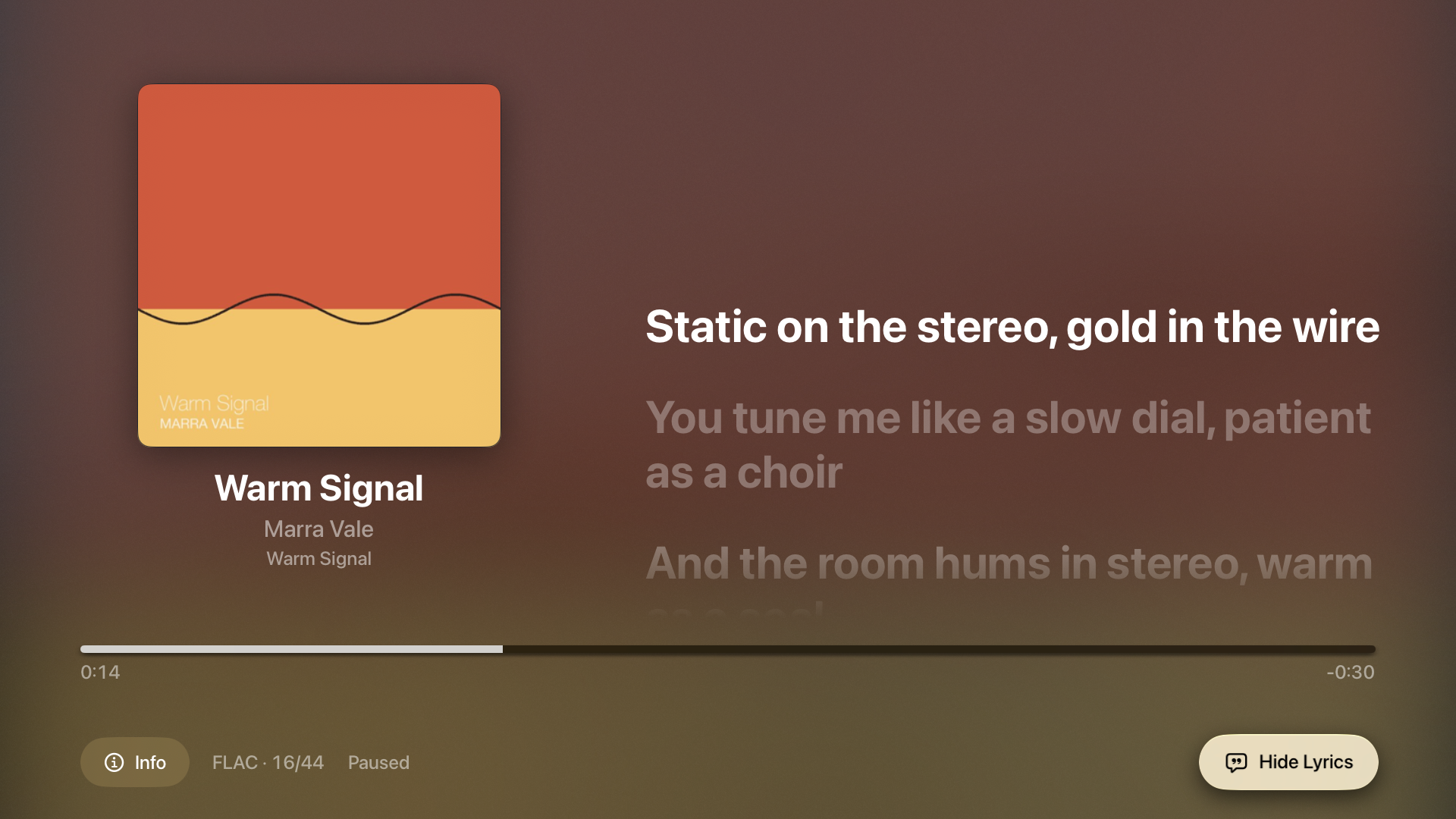
Browse albums, artists, songs and playlists with the Siri Remote. Stream from a Mac running Decaud in Server Mode or a compatible media server. Follow timed lyrics and open Info to see the source format and audio output.
02 · what it does
In the Direct Mac edition, Decaud can take your DAC for itself, so macOS can't resample your stream or mix other sounds into it. What's in the file is what reaches the hardware. The Mac App Store edition uses shared output, and the signal path says so.
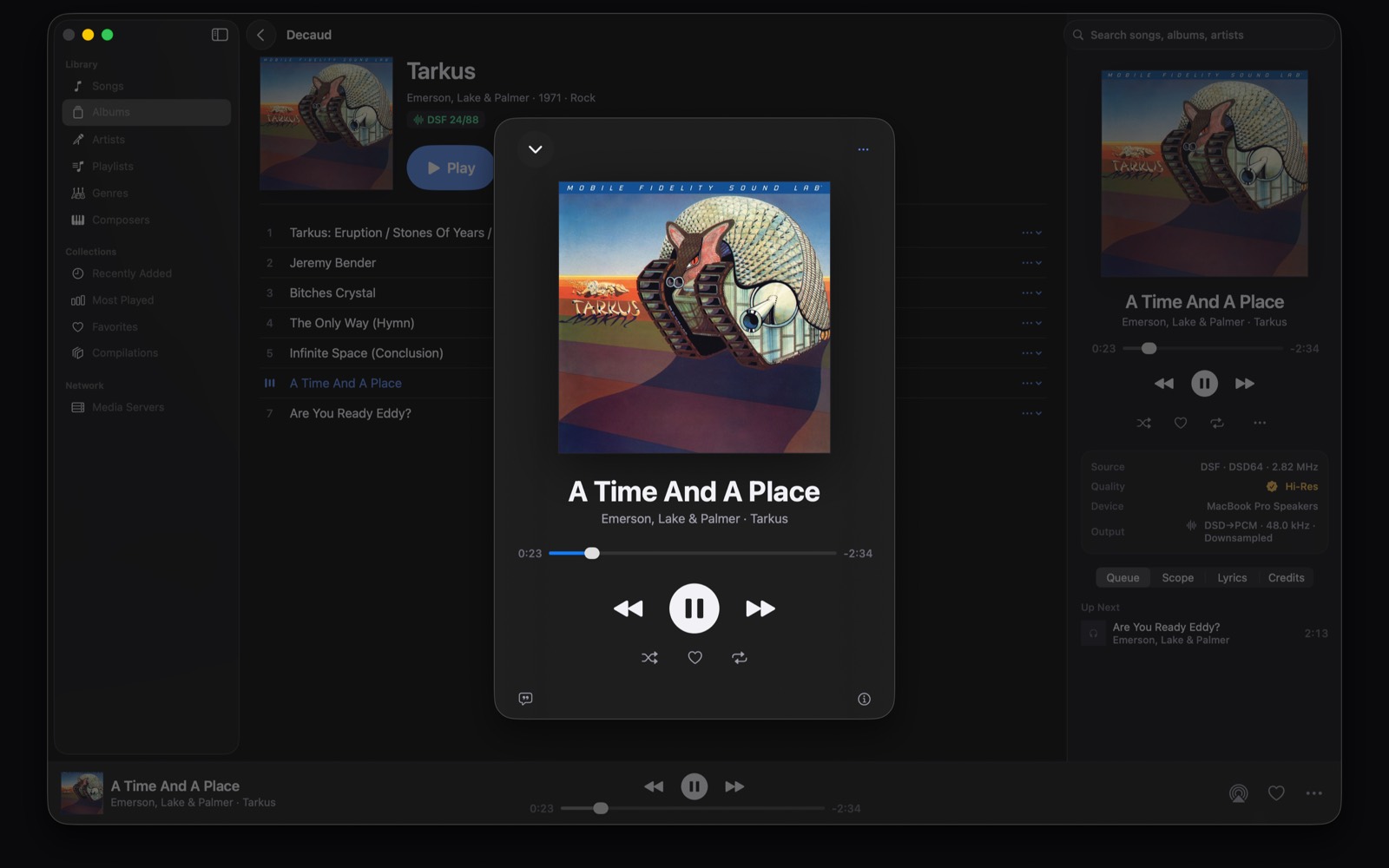
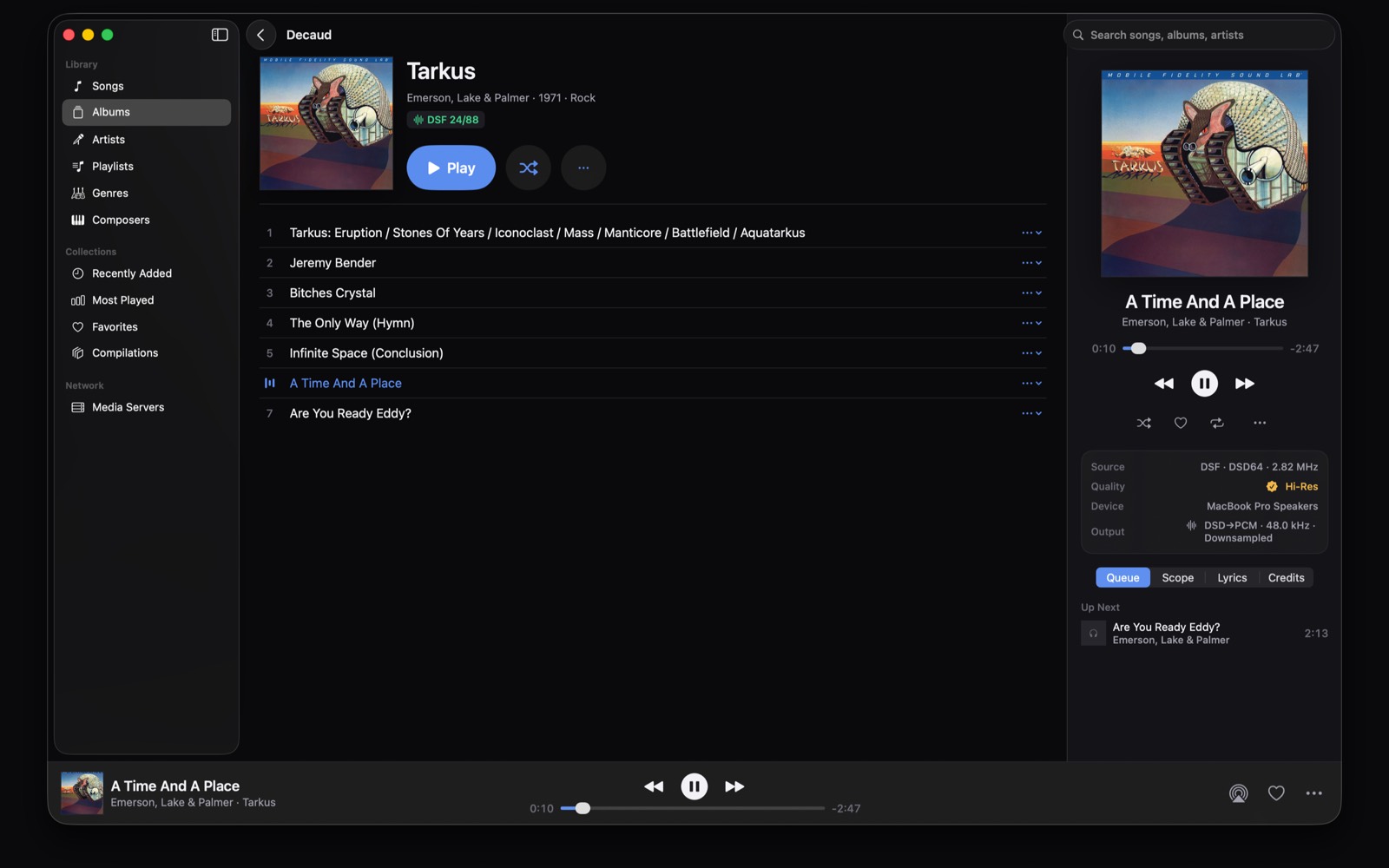
DSD64, DSD128, and DSD256 delivered untouched over DoP to capable DACs in the Direct Mac edition, with optional native output to a verified USB DAC on iPhone in 1.5 and high-quality PCM conversion on other routes.
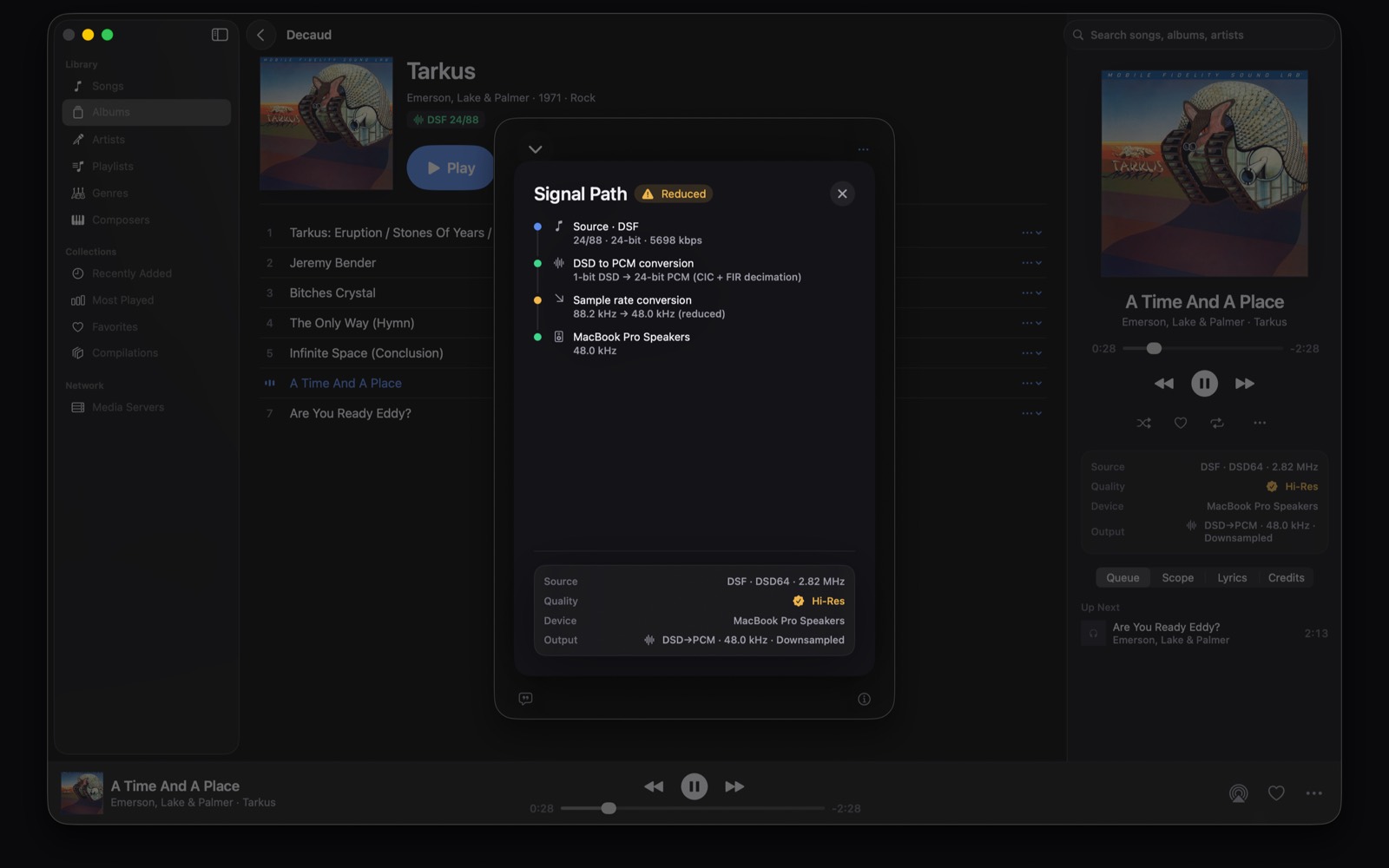
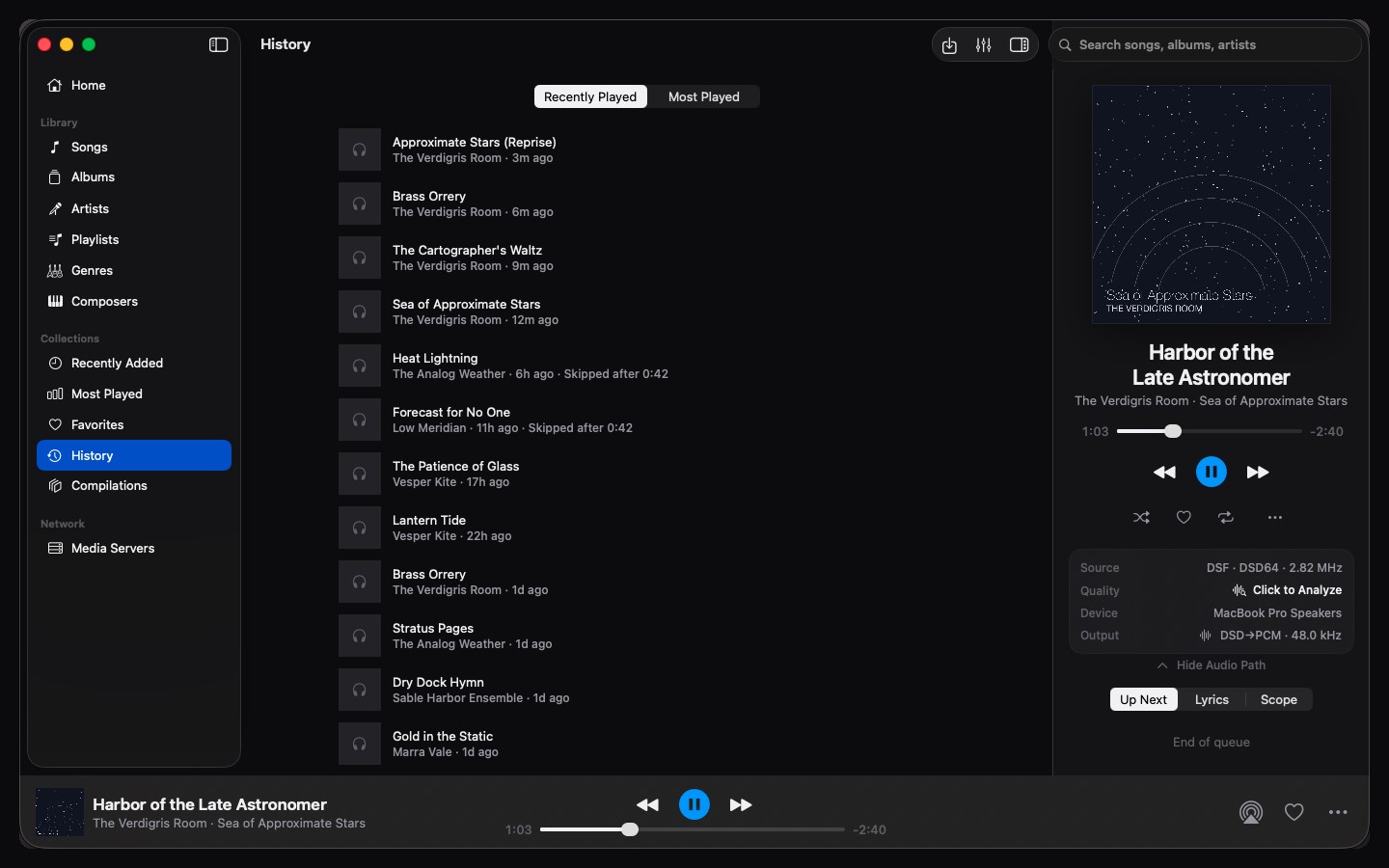
Every stage between file and device, laid out with a per-stage quality verdict. When something isn't bit-perfect, Decaud says so instead of hiding it.
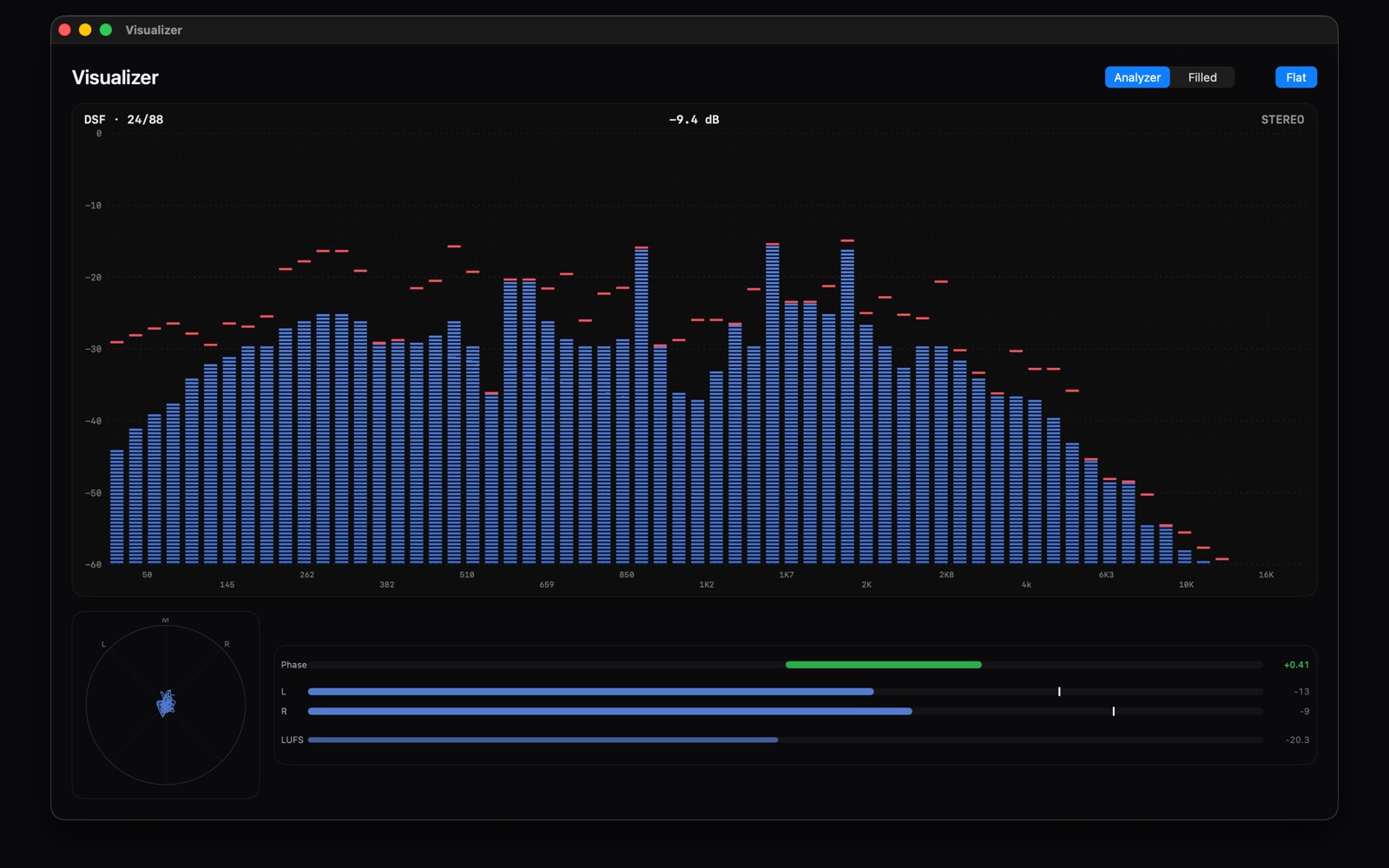
Spectral analysis that looks for signs of lossy ancestry and keeps the result with your track. Read the method and its limits.
Multi-room AirPlay in perfect sync, Sonos, DLNA, and Chromecast casting, NAS/SMB and DLNA streaming including DSD, and an iPhone remote for the Mac library.
Local-first files organized your way, serious tag editing with Discogs and MusicBrainz matching, CD ripping (error-corrected on Direct Mac), and cue-sheet splitting, DSD included.
Import from a USB-C or SD drive on iPhone and iPad, straight into your own iCloud, or play in place right off the drive. Plug the same drive into your Mac and the songs are just there.
The iPhone Home screen picks up what the Mac is playing, one tap takes control: browse the Mac's library, queue songs, and drive playback from the couch.
03 · what it plays
plus: cue sheets split into real tracks (multi-disc aware) · SACD ISOs extracted to bit-perfect DSF · audio CDs ripped, error-corrected on Direct Mac
no DSD on hand? grab our public domain DSD sample files (DSD64 to DSD256, free)
04 · the lab
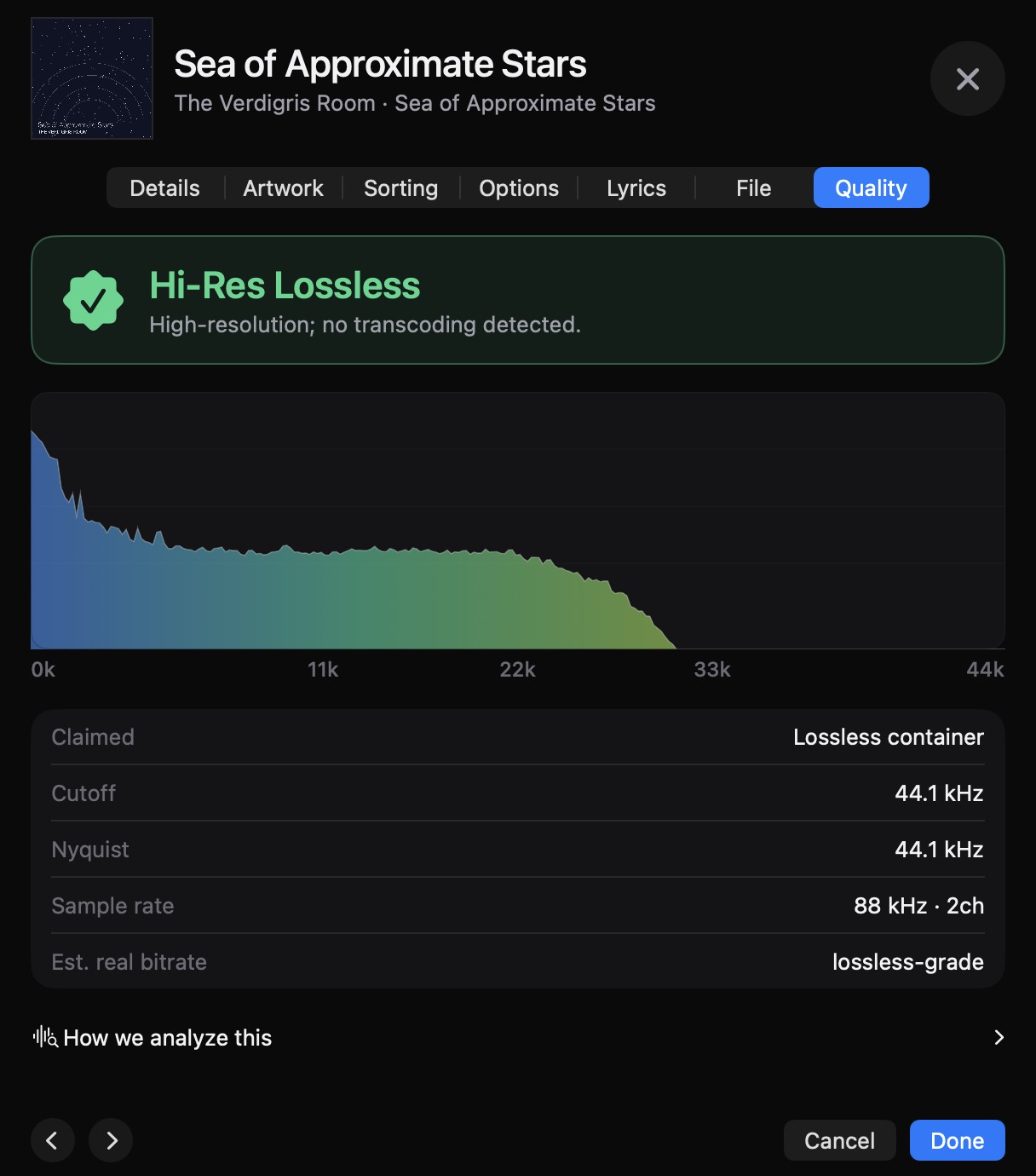
A "24/192" label describes a file's format, not its recording history. TrueHz inspects spectral evidence and keeps the result with your track:
The verdict persists per track and appears as a quality badge in your Songs list. Re-run anytime with right-click → Analyze. Treat the result as a prompt to inspect, not proof of provenance.
Read the methodology, verdict rules and known failure modes.
05 · the colophon
It's built by one person who thinks great sound shouldn't need a subscription. If it makes your music sound the way it should, you can keep it growing:
Buy me a coffeebc1q0s858ev3jmyz4tddecujf2nl467m7j2jhu788l